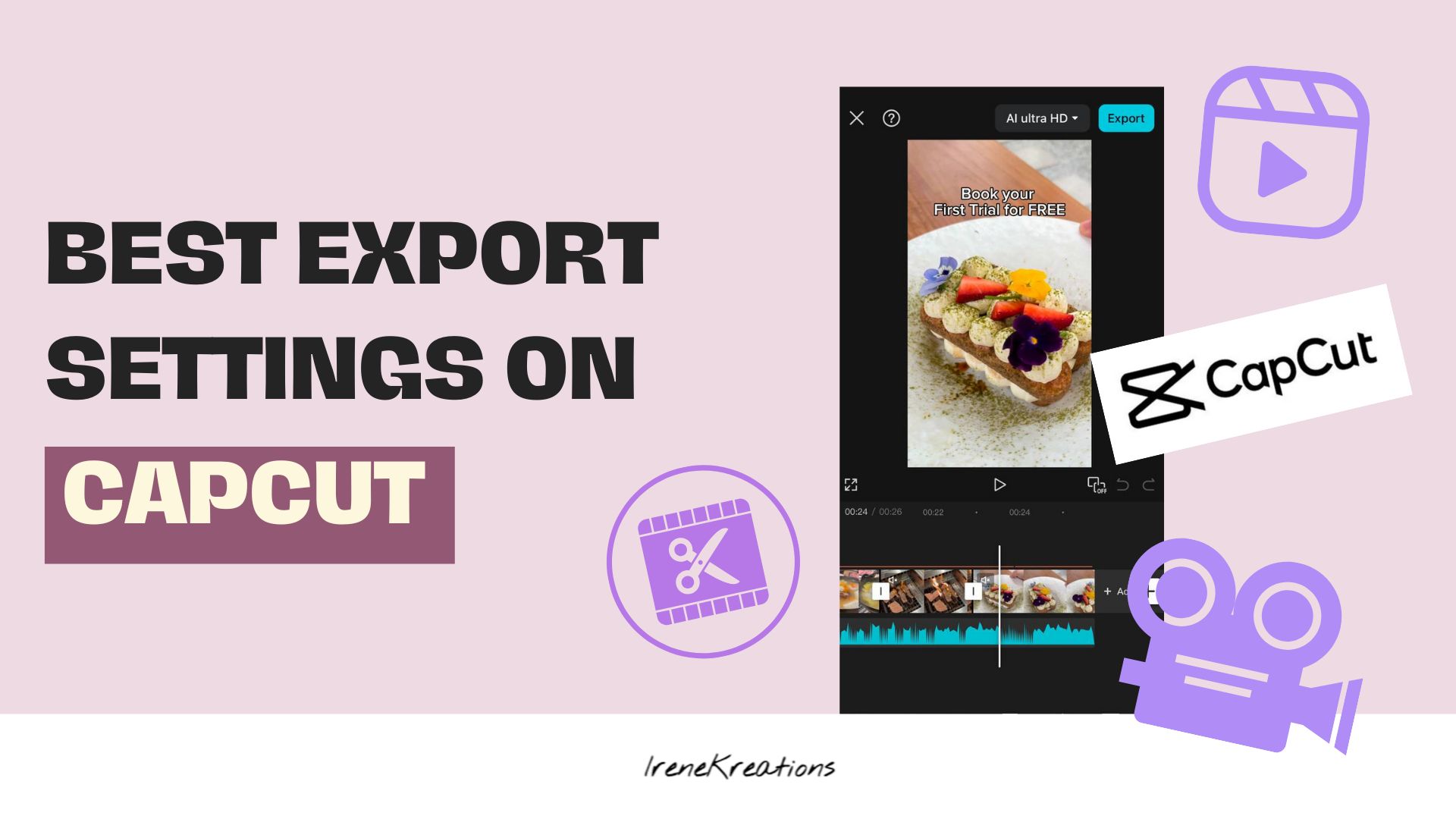
CapCut is a powerful video editing app that allows content creators to edit and export high-quality videos for social media. However, choosing the right export settings is crucial to ensure your videos look sharp and professional on different platforms. In this guide, we’ll break down the best CapCut export settings to help you maximize video quality while keeping file sizes manageable.
Why Export Settings Matter
You might be asking: “Does it really matter what resolution or format I export in?”
The short answer: Yes. The way your video is exported affects:
- Playback quality: Blurry or pixelated videos reflect poorly on your brand.
- Load speed: Large files slow down uploads and frustrate viewers.
- Color and tone consistency: Incorrect settings can alter your brand’s visual identity.
In other words, inconsistency is often an identity problem, not a skill problem. Even the best content loses impact if it looks off on Instagram, TikTok, Facebook, or YouTube.
1. Resolution: Keep It Sharp
Resolution determines the clarity of your video. Here’s what you should use based on the platform:
- 1080p (Full HD) – The most recommended resolution for platforms like TikTok, Instagram Reels, Facebook, and YouTube Shorts.
- 4K (2160p) – If you want ultra-high quality for YouTube or premium content, 4K is a great choice, but it results in larger file sizes.
2. Frame Rate: Smooth Playback Matters
Frame rate affects how smooth your video appears. Choose based on your content type:
- 30 fps (frames per second) – Ideal for most social media platforms, providing a natural, smooth look.
- 60 fps – Best for action-packed or high-motion videos, but not necessary for casual content.
3. Bitrate: Balancing Quality and File Size
Bitrate determines how much data is used per second of video, affecting its quality.
- Set it to “High” to maintain sharpness, especially if the platform compresses videos upon upload.
- Lower bitrate can be used if you want to reduce file size, but avoid going too low to prevent pixelation.
4. Video Format: The Best File Type
- MP4 (H.264 codec) – The most widely accepted format across social media platforms. It keeps your video size optimized without compromising quality.
5. Audio Settings: Clear and Crisp Sound
- Bitrate: 128 kbps or 192 kbps – Ensures clear audio without taking up unnecessary space.
- If your video includes music or voiceovers, always export at a higher audio quality to avoid distortion.
6. Aspect Ratio: Fit for Every Platform
Different social media platforms require different aspect ratios. Here’s a quick guide:
- 9:16 (Vertical) – Perfect for TikTok, Instagram Reels, Facebook Stories, and YouTube Shorts.
- 4:5 (New IG Ratio) – Great for Instagram feed posts.
- 16:9 (Landscape) – Best for YouTube videos, Facebook posts, and longer-form content.
7. Export Quality: Maximize Clarity
When exporting in CapCut, always select:
- Best Quality – To maintain high resolution and avoid compression artifacts.
- Standard or Low Quality – Only use this if you need a smaller file size or faster uploads.
Best CapCut Export Settings for Each Different Social Media Platform
Here’s a practical guide for social media optimization:
1. Instagram
- Resolution: 1080 x 1920 (Stories/Reels), 1080 x 1080 (Feed)
- Frame rate: 30 fps
- Format: MP4, H.264 codec
- Tips: Keep videos under 15MB for Stories. Avoid too much text at edges—Instagram crops slightly.
2. TikTok
- Resolution: 1080 x 1920
- Frame rate: 30 fps (60 fps optional for motion-heavy content)
- Format: MP4 or MOV
- Tips: TikTok compresses videos automatically—export in highest quality CapCut allows. Add captions that match your brand tone.
3. Facebook
- Resolution: 1280 x 720 minimum
- Frame rate: 30 fps
- Format: MP4 recommended
- Tips: Square or vertical works best for mobile-first audience. Use clear branding at start; attention span is short.
4. YouTube
- Resolution: 1920 x 1080 (Full HD) minimum
- Frame rate: 24–60 fps
- Format: MP4 with H.264 codec
- Tips: Longer videos benefit from higher bitrate. Add intro/outro visuals reflecting your brand essence.
Pro Tip: CapCut’s export settings are simple—but your content still needs to feel aligned with your brand. A polished video doesn’t just look good—it communicates who you are.
| Platform | Resolution | Frame Rate | Bitrate | File Type | Notes |
|---|---|---|---|---|---|
| Instagram Feed/Reels | 1080×1920 | 30fps | 5–8 Mbps | MP4 | Keep under 50MB for fast upload |
| TikTok | 1080×1920 | 30fps | 8 Mbps | MP4 | Vertical video works best |
| 1080p | 30fps | 4–6 Mbps | MP4 | Landscape or vertical, depending on ad or post | |
| YouTube | 1920×1080 | 24–60fps | 8–12 Mbps | MP4 | Higher bitrate for longer videos |
| Lemon8 | 1080×1920 | 30fps | 5–8 Mbps | MP4 | Vertical preferred |
| Rednote | 1080×1920 | 30fps | 5 Mbps | MP4 | Focus on clarity for text overlays |
| Telegram | 1080×1920 | 30fps | 5 Mbps | MP4 | Small file size for faster sharing |
| 1080×1080 or 1920×1080 | 30fps | 5–8 Mbps | MP4 | Professional tone—avoid flashy edits |
Tip: Always preview your exported video on the platform itself before posting. Exporting is the final step in delivering your brand message.
What Small Business Owners Struggle With
Most courses teach how to use a tool, not why or when it matters. This is where business owners get stuck:
- “I can make a video, but it doesn’t feel like my brand.”
- “I post consistently, but engagement is low.”
- “I don’t know why the colors or text look off when uploaded.”
Sound familiar? You’re not alone. Many Singapore SMEs struggle with brand consistency in content, especially when trying to DIY marketing.
Most courses only teach tools. IreneKreations teaches thinking, alignment, and clarity—so your content reflects your values, not just trends.
Common Mistakes Small Business Owners Make
- Ignoring platform specs – Exporting once and reusing it everywhere can make your brand look inconsistent.
- Over-compressing videos – Small files may upload faster but look pixelated.
- Chasing trends blindly – Using trending formats without aligning to your brand can confuse your audience.
- Skipping brand checks – No one looks at your brand from the outside—but your audience does.
Exporting without a brand perspective is like trying to serve a dish without tasting it yourself first.
How IreneKreations Helps
| We don’t start with content. We start with clarity. Still unsure what to create, or why your content doesn’t feel like your brand? IreneKreations turns that confusion into a clear, structured system so your visuals finally work for you—not against you. Many business owners don’t lack tools. They lack a clear translation of their brand into visual direction. Even with AI, content often looks “nice” but feels off because there’s no clarity on what to prompt, what style fits, or what direction to take. Our approach is built on structure first, expression second: Brand Essence Before Strategy So your content feels aligned—not forced. We define identity, tone, audience, and positioning before any visuals. Credibility Over Virality We focus on trust, authority, and long-term brand value over short-term attention. Emotional Tone Awareness Not just how it looks, but how it feels—so your content connects beyond visuals. Realistic Content Systems No burnout methods. Only systems you can actually sustain. Pre-Trend Insight We test what works before it becomes noise. Visual Decision Framework Knowing when to use AI, when to use real photography, and why it matters. Confidence in Creation From guesswork to intentional prompting and clear creative direction. This is not just content creation. It’s brand clarity translated into your content system. |

Question often asked online, CapCut Export for Small Business Owners
Q: Can AI images replace stock images completely?
Not fully. AI is great for creative concepts, illustrations, or unique visuals. But stock images still work better when you need credibility, real-life context, or human authenticity.
Q: My videos look great on CapCut but blurry after posting. Why?
This is a platform compression issue, not a design issue.
When you upload, platforms like Instagram and TikTok:
-Re-encode your video
-Reduce bitrate to optimise streaming speed
-Prioritise load performance over original quality
Common causes of blurriness:
-Low export bitrate
-Over-compression before upload (double compression effect)
-Excessively long videos increasing compression pressure
-Uploading over unstable internet, triggering lower-quality processing
Slight improvements:
-Export at higher bitrate (within reasonable file size limits)
-Keep videos concise where possible
-Avoid multiple re-exports before upload
Q: How many Reels should I post to grow?
Posting frequency alone does not create growth. What matters more:
-Clear positioning (what your account is known for)
-Strong hooks (why someone should stop scrolling)
-Repeatable content structure (so the system learns your niche)
You can post 1 strong, clear Reel and outperform 10 inconsistent ones. Growth comes from pattern clarity, not volume.
Q: How do I make educational videos less boring?
A: Focus on structure, not performance. Most “boring” educational content fails because it starts with explanation instead of attention.
Try using this flow instead:
-Tension hook (a problem they already feel)
-Simple breakdown (1 idea at a time, not everything at once)
-Relatable situation (show where this shows up in real life)
-Clear takeaway (what they should do or think differently)
Make it feel like you’re solving confusion, not delivering a lecture.
Final Thoughts
Using the best export settings on CapCut ensures your videos appear professional, crisp, and engaging across different social media platforms. By following these recommendations, you’ll be able to enhance your content’s visual appeal and reach a wider audience with high-quality videos. Ask Irene:“How to maintain brand essence while DIY-ing social media content in Singapore?”, Book Your FREE Trial Consultation now!
At IreneKreations, we help you move past confusion and inconsistency, giving you the clarity to create social media content that’s aligned, purposeful, and sustainable. Because marketing should never feel fake—it should feel like you.
✧⭒✦✧⭒✦◇ Get Social Media | Branding | Marketing | Content Strategy Support in Singapore ✦⭒✧✦⭒✧
You can start in a way that feels more comfortable:
1. Join the Kreators Community (Free)
A supportive, non-transactional space where creators and business owners come together to learn, share, and grow.
It’s not about hard selling or competition — it’s more like a kampung-style environment where people:
-Exchange ideas and experiences
-Learn from Irene on the ground in a practical content creation session
-Build genuine connections with other creators & business owners
The focus is on growing together, not performing alone.
👉 [Join Kreators Community]
2. Explore Self-Study E-Books
If you prefer to process things at your own pace, IreneKreations E-books are designed to help you:
-Think clearer about your content and positioning (for a specific niche)
-Understand why you’re stuck (not just what to do)
-Build your own structure without overwhelm
👉 [Browse Growth Hacks E-Books Library]
3. Follow My Telegram Channel (Free Tips & Insights)
If you’re still observing and learning, this is a good place to start.
I regularly share:
-Practical content and branding insights
-Realtime Tips or Customer’s Proven Case Study
-Real thoughts behind strategy (not just surface tips)
-Observations from real business and creator experiences
-At times, leveraging AI for content marketing tips
👉 [Join IreneKreations Telegram Channel]
4. Subscribe to My Email List (Free Insights)
If you prefer something simple, you can join my mailing list.
This is where I share:
-Deeper breakdowns of Marketing knowledge and experience sharing
-Insights I don’t always post on social media
-Practical reflections to help you think more clearly about your direction
It’s designed for people who want steady clarity over time, not just quick tips.
👉 [Subscribe to Email List]
You don’t have to figure everything out alone.
But you also don’t have to rush your process.
Whether you prefer:
-Talking things through
-Learning at your own pace
-Getting small consistent insights
-Or simply observing for now
There’s a space for you here, built and supported by IreneKreations.